- oil and gas
- solution architecture
- field operations
- enterprise software
- integration
Architecture Starts With the Field Workflow
Good oil and gas software starts with the person, decision, constraint, and operating consequence in the field, then earns its technology choices.

Jason Cochran
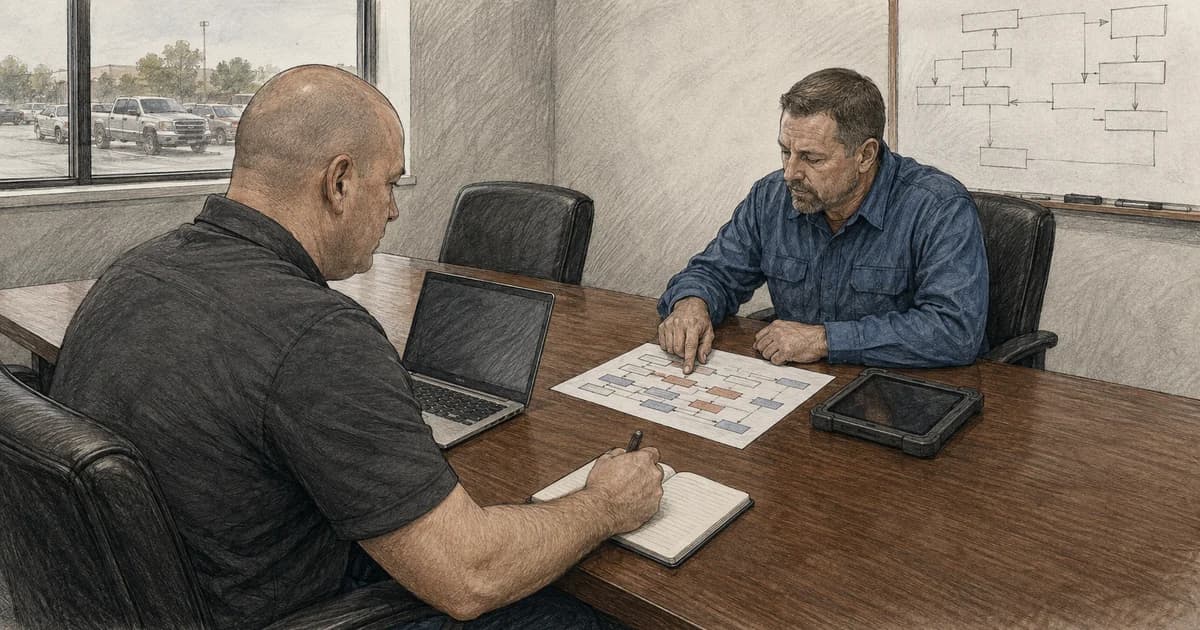
The fastest way to design the wrong oil and gas system is to start with a list of technologies.
A team can assemble an impressive cloud diagram, connect several data sources, and still miss the decision the software is supposed to improve. In field operations, that mistake is especially expensive. Connectivity varies. Equipment and people move. Work crosses shifts and vendors. Safety and production responsibilities cannot be hand-waved away. The system has to fit the operating environment, not the other way around.
I spent years building oil and gas software and leading delivery on mobile and web-based ERP work. The durable lesson is simple: architecture becomes clearer when the conversation starts with the field workflow.
Start with four questions:
- Who is doing the work, and what decision are they trying to make?
- What conditions can interrupt or invalidate that work?
- Which system and person own each fact and action?
- How will we know the workflow produced a useful, trustworthy result?
Only then should the team decide which APIs, events, databases, cloud services, or AI capabilities belong in the design.
Begin with the decision
“Build a field app” is not a useful architecture requirement. It names a delivery surface, not a business result.
A stronger starting point sounds more like this: a field employee needs to record work at the point it happens, see enough current context to make a safe decision, and know whether the record reached the authoritative system. That statement immediately exposes questions a feature list hides.
- What information must be available before the person begins?
- Which values may be entered locally, and which must come from a system of record?
- Can the work proceed without connectivity?
- Does the workflow require a second person’s review?
- What does the user see when a submission is pending, rejected, duplicated, or conflicted?
- Which downstream teams depend on the result?
These are not edge cases. They define the product.
The Microsoft Azure Well-Architected Framework describes a workload as application resources, code, data, models, and infrastructure working together to achieve a defined business outcome. That is a helpful correction to cloud-first thinking. The workload is not the resource group. It is the complete operating capability.
Treat field constraints as architecture inputs
An office workflow can quietly assume stable power, a large display, low latency, and immediate access to support. A field workflow often cannot.
The design may need to account for intermittent networks, bright sunlight, gloves, dust, vehicle use, older devices, location changes, long-running tasks, and people switching between digital and physical work. Even when every site has nominal connectivity, a dependency failure can produce the same user experience as being offline.
The right response is to decide which parts of the work must continue and what consistency model those parts can tolerate. Some workflows should remain online-only.
For each step, I want to classify the behavior:
- Must stop: proceeding without current authorization or equipment state would create unacceptable risk.
- May continue locally: the user can capture work now and synchronize it later.
- May continue with a warning: the user can act, but the interface must show that supporting data may be stale.
- Read-only fallback: the user can view the last confirmed state but cannot create a new durable action.
This classification connects product design to data and security. It also gives testers something concrete to verify.
Architecture lens
Discovery pathStart with the field decision, then move outward
Start with the decision a field worker needs to make. Then identify the data, safety controls, and recovery paths that support it.
- 01
Field task
Name who is working, where the work happens, and what decision must be made.
- 02
Operating constraints
Account for connectivity, device conditions, timing, safety, and existing procedures.
- 03
System boundaries
Separate control, telemetry, transactional records, analytics, and human approval.
- 04
Evidence of success
Define success, failure, reconciliation, support ownership, and measurable value.
Discovery inputs
- Person and decision
- Location and connectivity
- Safety and timing constraints
Design outputs
- Source-of-truth map
- Failure and reconciliation states
- Outcome and support measures
Separate operational control from business automation
Oil and gas environments bring operational technology and information technology close together, but close does not mean interchangeable.
NIST’s Guide to Operational Technology Security emphasizes that OT has distinctive safety, reliability, and performance requirements. A production application should not casually reach through an integration and behave as if a control system were an ordinary CRUD API.
I use a simple boundary test: what authority crosses this connection?
Telemetry flowing outward for analysis carries different risk from a command flowing inward. A maintenance recommendation is different from an automated set-point change. A copied measurement is different from an authoritative production record. A dashboard is different from a control surface.
The architecture should make those differences visible. Useful controls can include one-way or brokered data paths, approved schemas, network zones, workload identities, allowlisted operations, rate limits, audit records, and human approval for actions with physical or financial consequence.
The goal is to keep convenience from quietly becoming authority.
Name the source of truth for every important fact
Enterprise oil and gas workflows rarely live in one application. Data may originate in field devices, SCADA or historians, ERP systems, production accounting, land systems, maintenance platforms, data warehouses, spreadsheets, and vendor services.
An integration diagram can show all of those connections without answering the question that matters: when two systems disagree, which one wins?
For every important business concept, the team should name:
- the authoritative source;
- the system allowed to change it;
- the identifiers used across boundaries;
- the freshness and quality expectations;
- the consumers that depend on it;
- the reconciliation path when copies diverge.
This becomes even more important after acquisitions. Combining systems does not automatically combine their meanings. Two fields with the same label can represent different timing rules, units, approval states, or ownership. Before adding AI on top of that data, the organization needs a governed semantic foundation.
Choose integration behavior from the business semantics
Synchronous APIs, queues, events, streams, and batch transfers are not interchangeable transport preferences.
Use a synchronous request when the caller needs an immediate answer and the dependency can meet that expectation. Use a durable queue when work must survive a temporary outage and can complete later. Use events when other systems need to react to a fact that has already occurred. Use a stream when consumers need a high-volume, ordered flow of observations. Use batch when freshness requirements and source constraints make it the responsible choice.
Microsoft’s Azure messaging guidance distinguishes commands, discrete events, and high-throughput telemetry because they have different delivery and processing needs. That distinction matters more than whether a service is fashionable.
The design also needs to answer what happens twice. Networks time out after successful work. Brokers redeliver. Mobile clients retry. If a repeated request can create a second work order, duplicate a financial entry, or send another control action, the workflow needs an idempotency strategy and a durable record of what was accepted.
Design the support conversation before release
Imagine a field user calls support and says, “I submitted it, but the office cannot see it.” What evidence will support have?
A useful system can answer:
- which user and device initiated the action;
- whether the action was stored locally;
- whether synchronization began;
- which request or message identifier crossed the boundary;
- which system accepted or rejected it;
- whether a retry occurred;
- which durable record became authoritative;
- what the user should do next.
That evidence requires more than logs. It requires a workflow state model, correlation identifiers, clear ownership, and a support-safe way to inspect status without exposing sensitive data.
The best time to design that support path is before the first production incident.
Measure the operating outcome
A field application is not successful because it shipped. An integration is not successful because messages are moving. The result should connect to the operating goal.
Useful measures depend on the workflow, but they might include completion time, exception rate, reconciliation backlog, data freshness, repeat submissions, time to diagnose a failed handoff, or the percentage of work that reaches the authoritative system without manual repair.
Technical measures still matter—latency, availability, queue depth, error rate, device synchronization success—but they explain the system’s health. They do not replace the business result.
I prefer to establish both kinds of measures before architecture decisions harden. That gives the team a way to test whether added complexity is earning its cost.
A practical discovery checklist
Before drawing the target architecture for a field workflow, I would want the team to walk through these questions with the people who perform and support the work:
Workflow
- What starts and ends the task?
- Which decision is the user responsible for?
- What information must be current?
- Which exceptions consume the most time today?
Environment
- Where can connectivity, power, or device access fail?
- What work must continue during an outage?
- What safety or regulatory procedure cannot change?
Data and authority
- Which system owns each important fact?
- Which actions change a system of record?
- Where do identifiers, units, or timing rules differ?
Delivery and operations
- How will a change be tested with representative users and conditions?
- What will be observable in production?
- Who responds when the workflow stalls?
- How are pending or conflicting records reconciled?
Value
- What measurable outcome should improve?
- What would cause us to stop or redesign the effort?
The architecture follows the work
Cloud platforms, integration services, mobile frameworks, and AI can all create real leverage. They do so only when they serve a workflow the team understands.
Start with the person and the decision. Make the operating constraints explicit. Protect the boundaries between control, recordkeeping, analytics, and recommendation. Name the source of truth. Design failure and support states as carefully as the happy path. Then select the smallest set of technology that can deliver and prove the result.
That is how an architecture becomes useful in the field rather than merely impressive in a presentation.